
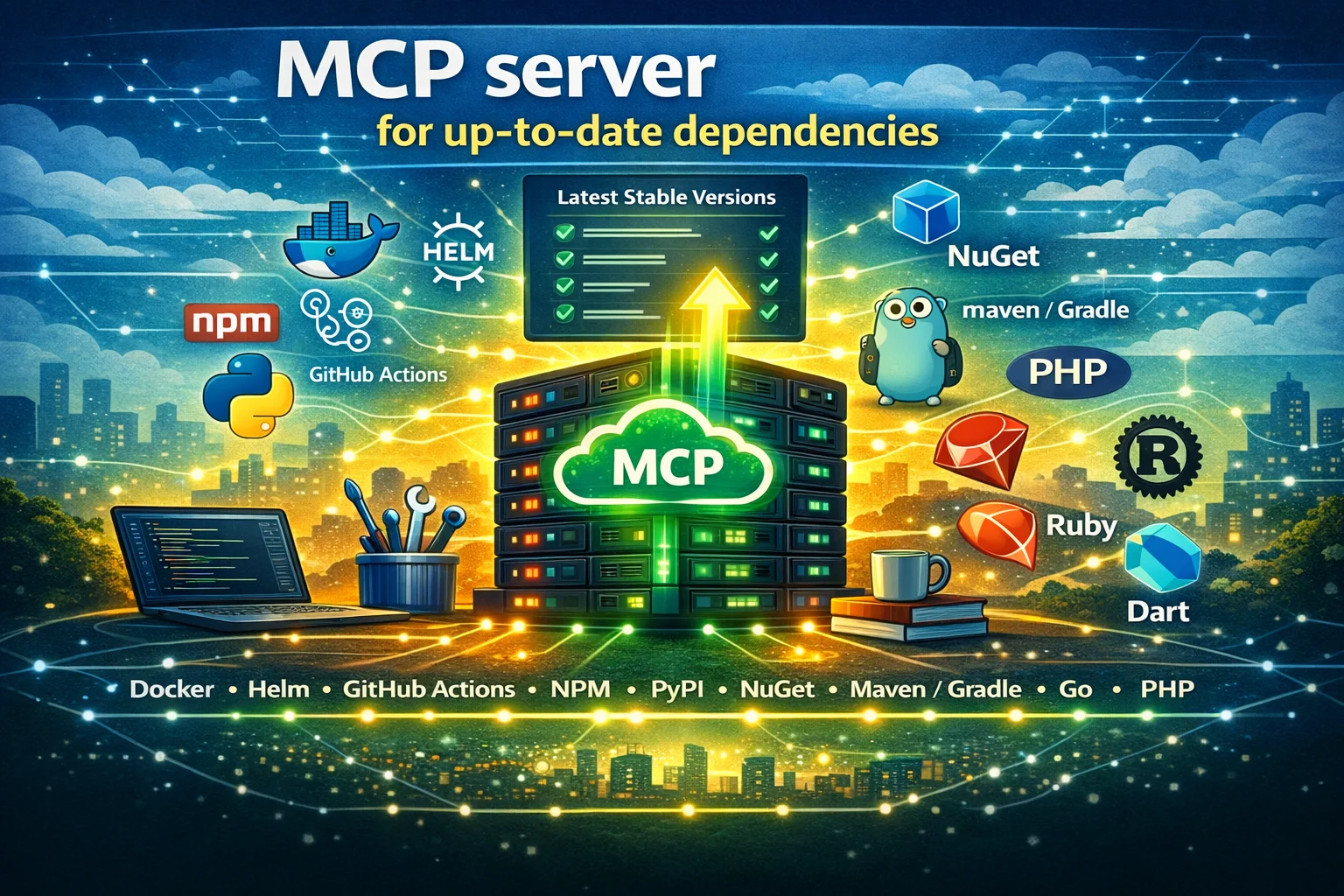
I present an MCP server that looks up the latest stable version of tools and packages/dependencies for Docker, Helm, GitHub Actions, NPM, PyPI, NuGet, Maven/Gradle, Go, PHP, Ruby, Rust, Swift, and Dart.
Introduction
AI coding agents transform how we write software. However, there is a recurring annoyance: dependency hallucinations.
Because Large Language Models (LLMs) are frozen in time, trained on several months-old data, they often suggest outdated versions for libraries, tools, and Docker images. If you ask an agent to scaffold a React app today, it might confidently hand you a package.json with dependencies from last year.
This forces you into a tedious workflow:
- Generate code with AI
- Manually check PyPI, NPM, Docker Hub, etc. for the actual latest versions
- Update the manifest files manually
In this post, I present package-version-check-mcp, a Model Context Protocol (MCP) server to solve this exact problem.
Existing solutions and their caveats
I am not the first to create an MCP server that solves this. If you search MCP registries like LobeHub, you will find similar tools. However, all existing MCPs I analyzed felt “vibe-coded”, built quickly as proof-of-concepts but lacking rigor. Common issues included:
- Missing tests: No guarantee that the version parsing logic actually works across different edge cases
- Abandoned codebases: Repositories hadn’t been updated in months (a lifetime in the AI age), gathering dust and CVEs
- Limited scope: Support was often limited to developer tools, lacking DevOps tooling like Helm charts, GitHub Actions, or Terraform providers.
I needed a tool that was robust, comprehensive, and maintained with the same discipline as a production library. And I wanted to learn how to build an MCP server anyway.
Time to build yet another MCP
I built package-version-check-mcp to be the “industrial strength” option for dependency checking. Here is what sets it apart:
- Massive ecosystem support: It supports 14 ecosystems, including Docker, Helm, Terraform providers & modules, GitHub Actions, Go, Java (Maven/Gradle), Rust, and almost one thousand tools via
mise(likekubectlorterraformbinaries) - Engineering rigor: The project has full test coverage. I use Renovate to keep the MCP’s own dependencies up-to-date automatically, and releases are rebuilt and pushed regularly
- Security: For those who want to run the MCP themselves, I provide a minimal Docker image that is hardened, SBOM-verified, and signed with Cosign. I discussed security-focused minimal images in this blog post series.
- Execution flexibility: You can run the MCP locally via
uvxor with Docker, or just use the free hosted instance
How to use it
The easiest way to use the MCP server is to use the free hosted service.
First, configure your MCP client (such as Cursor, GitHub Copilot, etc.) with this (streamable) HTTP endpoint:https://package-version-check-mcp.onrender.com/mcp
If you prefer local execution, you can also run the MCP using uvx or Docker. See the README to learn more.
Second, you just need to nudge the AI to use it. LLMs don’t always know which tools to pick, so explicit instructions help.
Example prompt:
“Create a hello-world React frontend application and a GitHub Actions workflow that builds it. Use MCP to get latest versions.“
If you forgot to include the nudge in your prompt, and your agent generated code with outdated versions, you can just ask your agent to update the versions afterwards. For instance:
“Update the dependencies you just added to the latest version via MCP”.
Learnings
I’ve been writing code with LLMs (GitHub Copilot) for about a year now. I figured that writing the MCP would take about 1-2 days, but it turned out to take over a week.
AI acceleration vs. the DRY principle
While using Copilot greatly accelerated the process, it came with a catch: AI loves to repeat itself.
If you are not careful, the AI would generate near-identical fetching logic for PyPI, npm, and RubyGems in three specific files, or write tons of duplicated boilerplate code for the unit and integration tests, violating the DRY (Don’t Repeat Yourself) principle. I spent quite a bit of time refactoring the AI-generated code (with AI) to be modular and maintainable. It was a reminder that while AI handles the writing, the human must handle the code’s architecture.
Semantic versioning minefield
Comparing versions is surprisingly hard. 1.2.0 > 1.1.9 is easy, but what about 1.2.0-rc1 vs 1.2.0-beta.2? Every ecosystem has subtle nuances regarding what constitutes a “stable” version. I ended up forking the packaging Version class, simplifying and customizing it to my needs, throwing out all the brittle code Claude Sonnet or Gemini generated.
Also, Docker tags are the Wild West. To handle them correctly, I ended up implementing a custom tag parser, heavily borrowing logic from Renovate Bot’s implementation, to correctly distinguish between python:3.12, python:3.12-slim, and python:3.12-rc-bookworm.
Runtime compatibility
In many package managers (like PHP’s Composer), packages mark which runtime versions they are compatible with. I initially tried to honor this, making the MCP server check if a package required, say, PHP 8.2, before returning it.
However, I decided to drop this complexity. I assume that if you are asking an AI to scaffold new code, you want the latest packages on the latest runtime. Keeping the logic simple is more valuable than handling legacy edge cases.
Feedback is welcome
I wrote this MCP to solve my own needs. If you find it useful, let me know and give it a GitHub star.